Range Day Checklist: What to Record, Step by Step
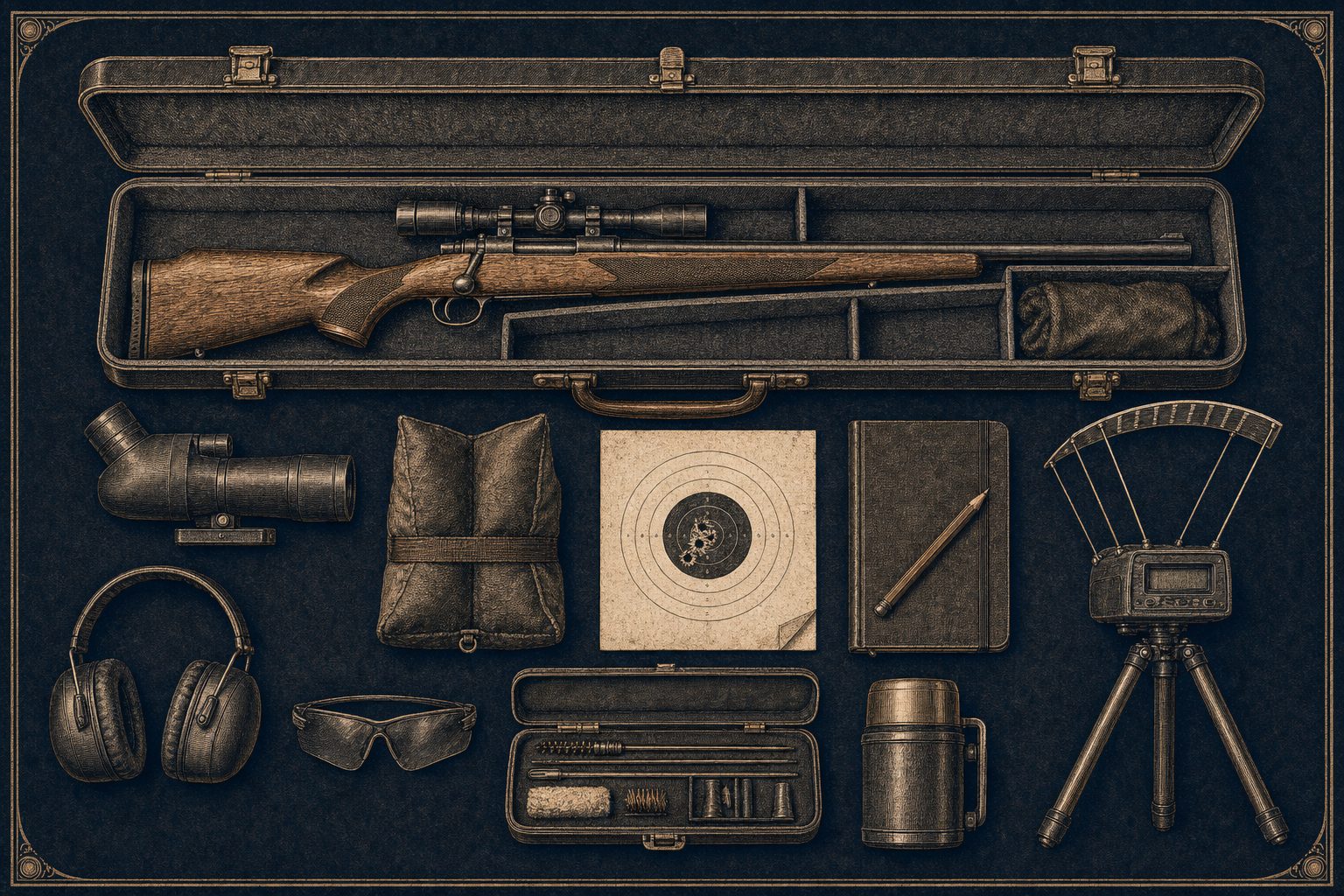
A range day where you logged half the data is a range day you cannot learn from. This is the short version of what to capture, in the order you would naturally capture it. Print it, take a screenshot, or follow it as a flow inside the app.
Before You Leave the House
- Date, location, and the rifle plus barrel you are bringing
- Which load, which brass lot, and how many rounds you packed
- Your scope's current zero distance and the elevation hold for it
- Cleaning state of the barrel: clean and oiled, foul shots fired since last cleaning, or dirty
- Goal for the trip in one sentence (workup, group test, zero confirm, match practice, hunt sight-in)
If your goal is one of those five and you can name it before the truck leaves the driveway, every other decision at the range gets easier.
When You Arrive
- Temperature in degrees Fahrenheit
- Humidity percent
- Station altitude in feet (the app autofills from Open Meteo if you tap the weather pill)
- Wind speed in mph and the direction relative to the firing line
- A two-word weather note ("calm overcast", "gusty sun", "snow squall")
- Any range-specific facts that matter: a backstop in the wind shadow, a covered bench, a known mirage angle
The weather block matters because density altitude shifts your drop chart. Two range days at the same range, same load, same rifle, can spread one MOA of vertical purely from atmospherics. If the weather is captured, the drop chart is honest.
Each Session at the Bench
A session is one firearm + one load + one brass lot + one barrel pairing. Most range days have two or three sessions: a fouler and a workup, or a zero confirm and a practice string.
- Round count fired in this session
- Position (prone, bench, kneeling, standing)
- Distance shot at, in yards
- Cold-bore status of the first shot
- Velocities, one per shot, if a chronograph is set up
- Group size at the end of the string. Use a photo if your phone is faster than the calipers
- Any called fliers you want excluded from the group math
- Free-text note if anything stood out. "Switched to a flat front bag at shot 7" goes here
What the App Captures Automatically
If you log the velocity string in BrassTracker, you do not separately compute average, ES, or SD. They are live as you enter shots. Same for cost: the per-session cost card adds up the bullet, powder, primer, and brass-life amortization once you save the session.
Before You Leave the Range
- Confirm the round count on each brass lot
- Note any scope adjustments you made: turret, direction, click count, click value
- If you confirmed a hold at a longer distance than your zero, log it as a Confirmed DOPE row with the conditions
- Photograph any group worth keeping. Photos round-trip in attachments, not in the JSON envelope, so they stay private
Back Home
- Inspect the brass before you tumble it. Loose primer pockets, neck splits, or incipient case-head separation are reasons to retire the lot
- Decide whether the load earned a rating: Trust, Acceptable, Walked, or Avoid. Tag the rating with optional purpose and weather bucket so the next decision has context
- If you cleaned the barrel after the day, log the cleaning entry. Round count, products, copper-removal flag
- If you annealed brass that came home, log the annealing event with cycle number
The 12-Number Rule
At minimum, every session should leave the bench with these twelve numbers:
- Date
- Location
- Temperature
- Humidity
- Altitude
- Wind speed and direction
- Firearm and barrel
- Load
- Brass lot
- Round count
- Distance
- Group size or velocity string (one or both)
If a number is missing, the rest of the session loses some of its value because future you cannot compare it to anything cleanly.
How BrassTracker Wires This Together
- Range Day Setup wizard captures the trip-level facts in five pages
- Per-session pairing pulls firearm, barrel, load, and brass lot from your existing entities. Round count drives brass-life and barrel-life math automatically
- Repeat Last Session lifts the most recent pairing forward in one tap, so a re-run does not rebuild from zero
- The Range Day Cost Card surfaces what the day cost in components
- Lifetime Stats rolls every session up: coldest day, hottest day, longest shot, biggest range day, best 10-shot SD
- Condition Explorer lets you filter every session by temperature, density altitude, wind, or position later
The point is not the form. The point is having the numbers at all. A handloader who logs the basic 12 every trip, even on a tablet of paper, is going to outpace a handloader running a $4000 chronograph and no notebook.